Main colors
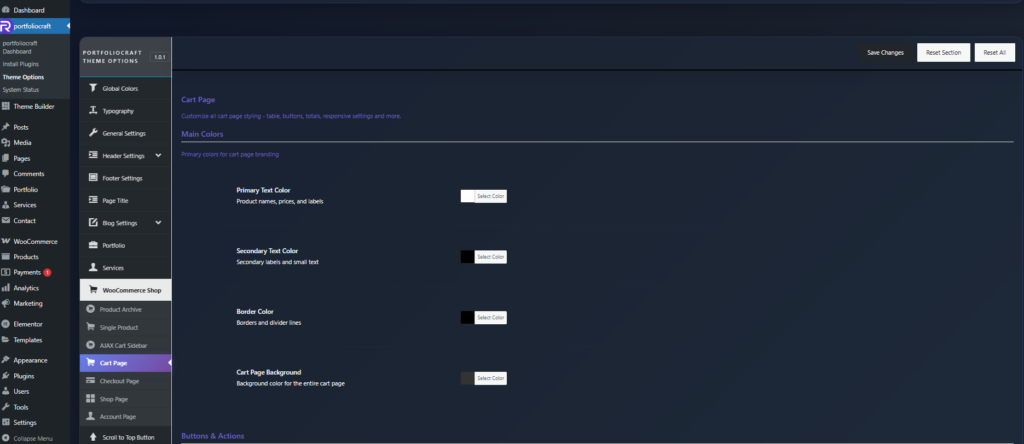
These settings control the overall color scheme of the cart page.
- Primary Text Color
Color for key text such as product names, prices, and main labels in the cart table. - Secondary Text Color
Color for secondary labels, helper text, and smaller information (notes, hints, etc.). - Border Color
Color of table borders and divider lines between rows, columns, and sections, helping visually separate cart elements. - Cart Page Background
Background color for the entire cart page area so you can use light, dark, or branded backgrounds.
Buttons & actions #
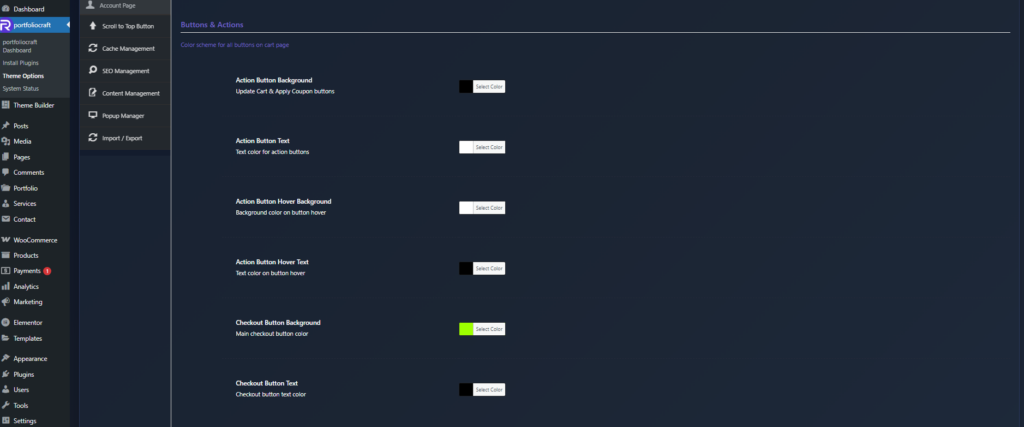
These options style all action buttons on the cart page (Update Cart, Apply Coupon, Checkout, etc.).
- Action Button Background
Background color for secondary actions (Update Cart, Apply Coupon). - Action Button Text
Text color for these action buttons. - Action Button Hover Background / Hover Text
Colors for the same buttons on hover, giving users clear interaction feedback. - Checkout Button Background
Main color for the Proceed to Checkout button, usually your primary accent to draw attention. - Checkout Button Text
Text color of the checkout button, which should have strong contrast for readability.
Cart totals section #
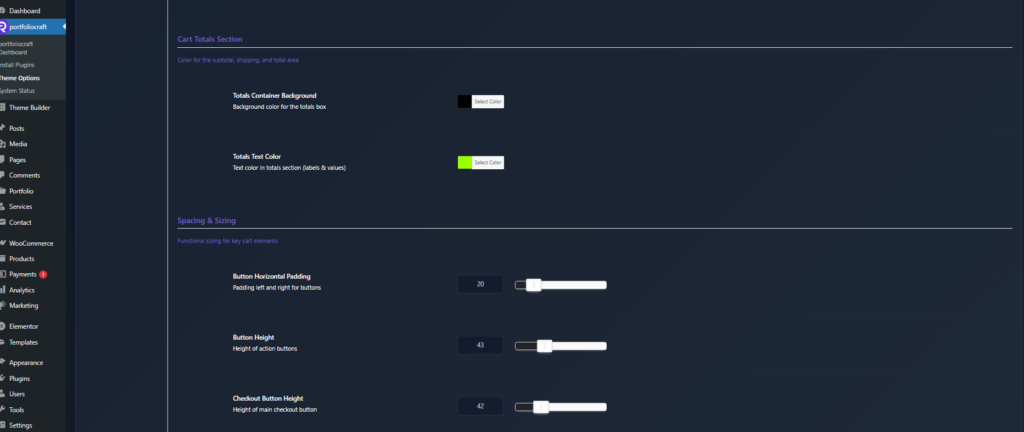
These settings control the appearance of the “Cart totals” box (subtotal, shipping, tax, total).
- Totals Container Background
Background color for the totals box, often a slightly different shade to separate it from the cart table. - Totals Text Color
Text color for labels (Subtotal, Shipping, Total) and their values inside the totals section.
Spacing & sizing #
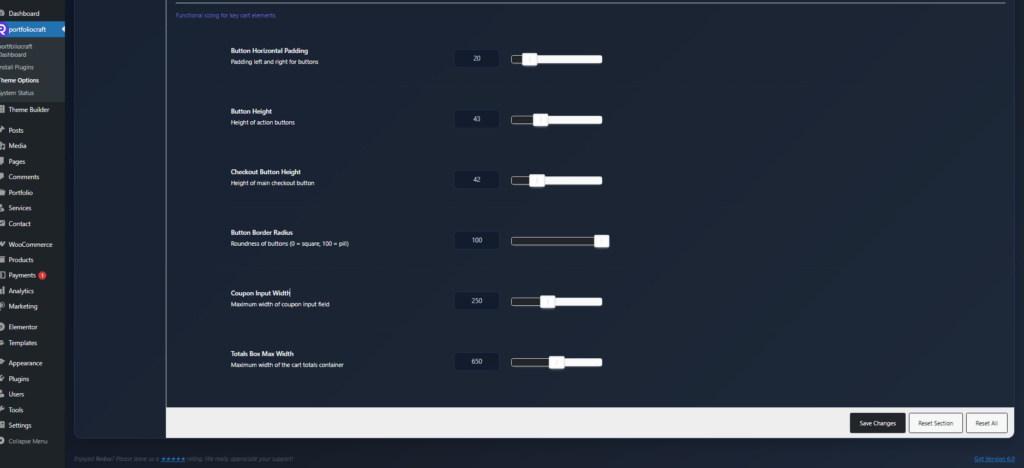
Use these options to fine‑tune usability and consistency.
- Button Horizontal Padding
Left/right inner padding for buttons to make them wider or more compact. - Button Height
Height of action buttons (Update Cart, Apply Coupon), affecting their visual weight and tap‑area size. - Checkout Button Height
Separate height control for the main checkout button so it can stand out more than other buttons. - Button Border Radius
Roundness of all cart buttons’ corners: - Coupon Input Width
Maximum width of the coupon code input field to keep the layout clean on wide screens. - Totals Box Max Width
Maximum width of the cart totals container, often used to keep the totals area narrower and more readable on large displays.
These controls together let you fully align the cart page design with your theme while keeping it clear, accessible, and conversion‑focused.