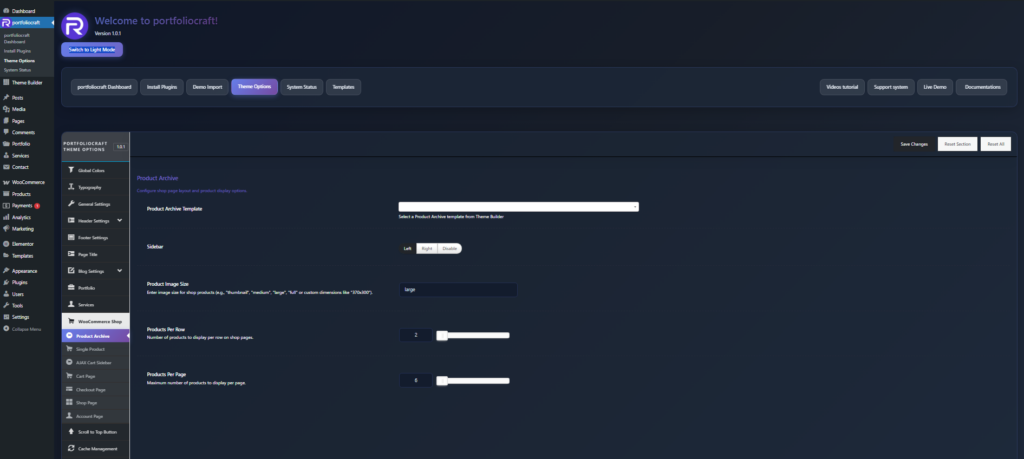
- Product Archive Template
- Select Default to use the theme’s built‑in WooCommerce shop layout.
- Select a custom Elementor template (created in Templates → Theme Builder → Archive / Product Archive) to fully control the design of the shop and product archive pages (categories, tags, etc.).
- The chosen template will be applied to the main Shop page and other product archive views, depending on how your theme handles WooCommerce archives.
Sidebar #
- Sidebar
Use this to match your shop layout with your design and filtering strategy (e.g., left sidebar for classic e‑commerce filtering).
Product Image Size #
- Product Image Size
For best results, use a consistent aspect ratio for all product images and regenerate thumbnails after changing sizes.
Products Per Row #
- Products Per Row
Adjust this based on your design width and how visual you want each product to appear.
Products Per Page #
- Products Per Page
Use a balanced number (like 9–16) so pages load quickly while still showing enough products to browse comfortably